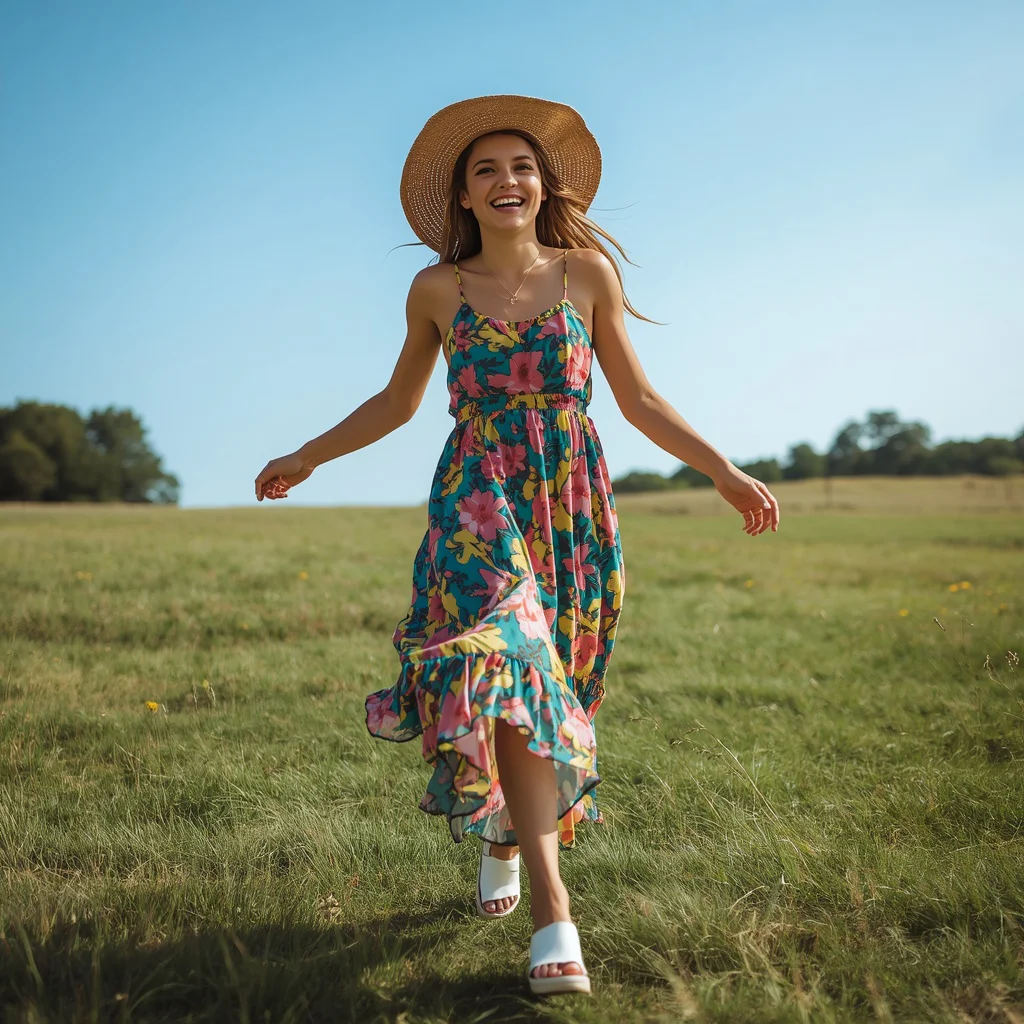
Cowgirl Charm in a Playful Plaid Sundress | Girl Pose Prompt
The “Cowgirl Charm in a Playful Plaid Sundress” prompt captures a moment of pure, youthful joy set in a sun-drenched apple orchard. It paints a vivid picture of a girl mid-skip, her red and white plaid sundress twirling as she moves through rows of fruit trees under a bright blue sky.
This prompt is designed to produce a full-body outdoor portrait that feels both spontaneous and carefully styled. Whether you are using ChatGPT, Midjourney, or another AI image generator, understanding each visual element will help you get a result that matches the cheerful, vibrant atmosphere described.
What this cowgirl sundress prompt is asking for
This prompt calls for a single, full-body portrait of a young girl radiating happiness in a pastoral setting. Every detail contributes to a cohesive Western-inspired look that feels playful rather than formal, from the sleeveless plaid dress to the comfortable sneakers.
- A young girl skipping through an apple orchard
- A sleeveless Western-style sundress in red and white plaid
- A full, twirly skirt that suggests motion
- A small braided leather belt with a delicate buckle at the waist
- White canvas sneakers for a casual, practical touch
- Long light brown hair in two pigtails with small red bows
The scene the prompt builds around the cowgirl
The setting is a “sunny apple orchard” where the girl skips between trees, her dress catching the light. The phrase “soft blur of green apple trees with ripe red apples” places her in the foreground while keeping the orchard as a gentle, colorful backdrop that does not distract from her expression.
Above her, a “bright, clear blue sky” and “bright, natural daylight” work together to create what the prompt calls a “cheerful and inviting atmosphere.” The light is described as emphasizing “the vibrant colors and her youthful exuberance,” which suggests high contrast and saturation throughout the image.
Why this playful plaid portrait works so well
This prompt succeeds because it combines a timeless fashion silhouette with a lively outdoor activity, giving the image both style and story. The contrast between the structured plaid pattern and the free-flowing movement of skipping makes the final picture feel dynamic and genuine.
- The red plaid and apple orchard share a warm color palette, creating visual harmony between the subject and her surroundings.
- Small details like the braided belt and red bows add a handcrafted charm that makes the character feel real and relatable.
- The full-body framing and soft background blur keep the focus on her joyful expression and the motion of the twirly skirt.
Three artistic styles that suit this apple orchard portrait
The prompt can be interpreted through three distinct visual styles without losing its core identity. Each approach shifts the mood while keeping the same red plaid dress, orchard setting, and skipping pose.
- Whimsical storybook illustration: Soft, rounded lines and a slightly dreamy color palette make the scene feel like a page from a children’s book, with the red apples and plaid dress taking on a gentle, painterly glow.
- Lifestyle fashion photography: Crisp focus on the girl with natural, golden-hour lighting and subtle lens flare gives the image a polished, editorial feel, as though it belongs in a family lifestyle magazine.
- Vibrant vector art: Bold outlines and flat, saturated colors turn the orchard into a graphic, modern composition, with the red and white plaid becoming a striking graphic element against the simplified green trees.
How to generate this young cowgirl portrait step by step
Follow these six steps to move from the written prompt to a polished AI-generated image. The process works whether you are starting from scratch or using a reference photo to guide the pose and lighting.
- Copy the full prompt text. Select and copy the entire prompt description from the page above, making sure you include every detail from the plaid dress to the orchard background.
- Upload a reference photo if desired. If you want the girl’s face or body position to match a specific reference, upload a clear image to the AI tool and set it as a style or character reference.
- Paste the prompt into your chosen AI tool. Paste the copied text into the prompt field of ChatGPT, Google Gemini, Leonardo AI, or Midjourney, keeping the wording exactly as written.
- Generate the first set of images. Run the generation and review the initial results. Look for the full-body framing, the skipping pose, and the presence of the red plaid sundress and apple trees.
- Check hands, face, and the twirly skirt. Zoom in on the hands to ensure fingers look natural, examine the face for a joyful expression with no distortions, and confirm the skirt shows motion and the plaid pattern is intact.
- Refine with minor prompt adjustments or inpainting. If any element is missing or distorted, use inpainting or slightly adjust the prompt by emphasizing the problem area, then regenerate until the result matches your vision.
Using a reference photo for the cowgirl charm portrait
A reference photo can help the AI understand the specific face shape, hairstyle, or skipping posture you want, but the image you upload should be chosen carefully to complement the prompt.
- Choose a photo taken in bright, natural daylight so the lighting direction matches the orchard scene and avoids harsh shadows that confuse the AI.
- Pick an image where the subject is wearing minimal or removable accessories, since the prompt already specifies red bows and a braided leather belt.
- Use a full-body reference if possible, so the AI can map the skipping motion and the full twirly skirt accurately across the entire figure.
Best AI image tools for this cowgirl prompt
Different AI image generators handle fabric patterns, outdoor lighting, and motion in unique ways. The table below compares four popular tools and explains what each one brings to this particular red plaid sundress scene.
| Tool | Access | Typical realism | Useful here for |
|---|---|---|---|
| ChatGPT | Subscription or free tier | Moderate to high | Rendering the red and white plaid pattern cleanly on the full, twirly skirt without warping the lines |
| Google Gemini | Free with Google account | Moderate | Capturing the soft blur of green apple trees while keeping the girl’s joyful expression sharp |
| Leonardo AI | Free tier with limited credits | High | Producing the bright, clear blue sky and natural daylight that emphasizes vibrant colors |
| Midjourney | Paid subscription | Very high | Creating a cinematic depth of field that isolates the girl in her white canvas sneakers against the orchard |
Three tips for a better plaid sundress portrait
Small adjustments to how you frame the prompt or set up your generation can make a significant difference in the final image quality. These tips focus on the real materials and objects named in the prompt.
- Emphasize the red and white plaid by adding a style note like “textile detail focus” so the AI does not blur the pattern into a solid color when the skirt is in motion.
- Mention the white canvas sneakers explicitly in any negative prompt to avoid the AI replacing them with boots or sandals, which can happen with Western-themed generations.
- Use the small red bows as a color anchor by ensuring they appear in both pigtails; if one is missing, inpaint that area with a targeted prompt referencing the red bow.
Common issues and quick fixes for this prompt
Even well-written prompts can produce unexpected results. The table below lists four frequent problems with this cowgirl scene and the simple changes that usually solve them.
| Issue | What to change |
|---|---|
| The plaid pattern is distorted or missing on the skirt | Add the phrase “distinct red and white plaid fabric” to the prompt and reduce the motion keyword strength slightly so the pattern stays visible |
| The apple orchard background is too sharp and distracting | Strengthen the depth-of-field instruction by adding “shallow depth of field, bokeh background” to keep the focus on the girl |
| The girl’s hands look unnatural while skipping | Use a reference photo with clear hand positioning or add “relaxed, natural hands” to the prompt and regenerate |
| The red bows are missing from one or both pigtails | Add “small red bows clearly visible on both pigtails” as a separate clause at the end of the prompt to give it extra weight |
Frequently Asked Questions
Can I change the dress color from red and white plaid to something else?
Yes, you can replace “red and white plaid” with any color combination you prefer, but keep in mind that the red apples in the orchard were chosen to harmonize with the dress. If you change the dress color, consider adjusting the fruit or background colors to maintain the same cheerful contrast.
What if the AI makes the girl look like an adult instead of a young girl?
Add the phrase “young girl, around 8 to 10 years old” to the beginning of the prompt. This gives the AI a clearer age reference and usually corrects any tendency to age up the subject.
How do I make sure the skipping motion looks natural and not awkward?
Use a reference photo of someone mid-skip, or add “dynamic, mid-stride skipping pose with one foot lifted off the ground” to the prompt. Generating multiple variations and selecting the most fluid pose is often the fastest approach.
Conclusion
The “Cowgirl Charm in a Playful Plaid Sundress” prompt offers a delightful blend of fashion, motion, and nature that translates beautifully across different AI image generators. By paying attention to the small details like the braided leather belt, the red bows, and the soft orchard blur, you can create a portrait that feels both spontaneous and thoughtfully composed. Whether you lean toward a storybook illustration or a crisp lifestyle photograph, this prompt provides a strong foundation for an image full of warmth and personality.
Once you have your final image, feel free to edit and enhance it as you wish, especially if you are working with a reference photo you have the right to modify.